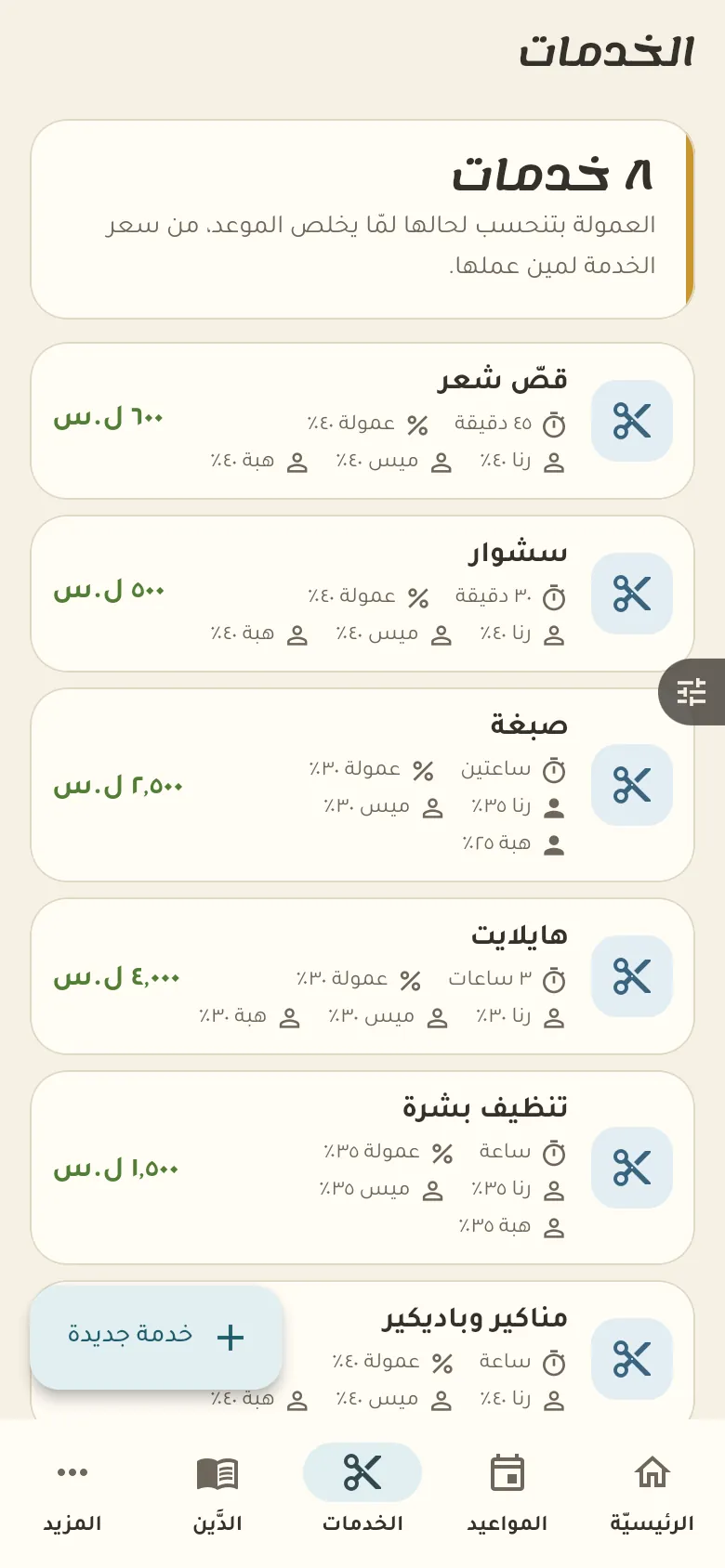
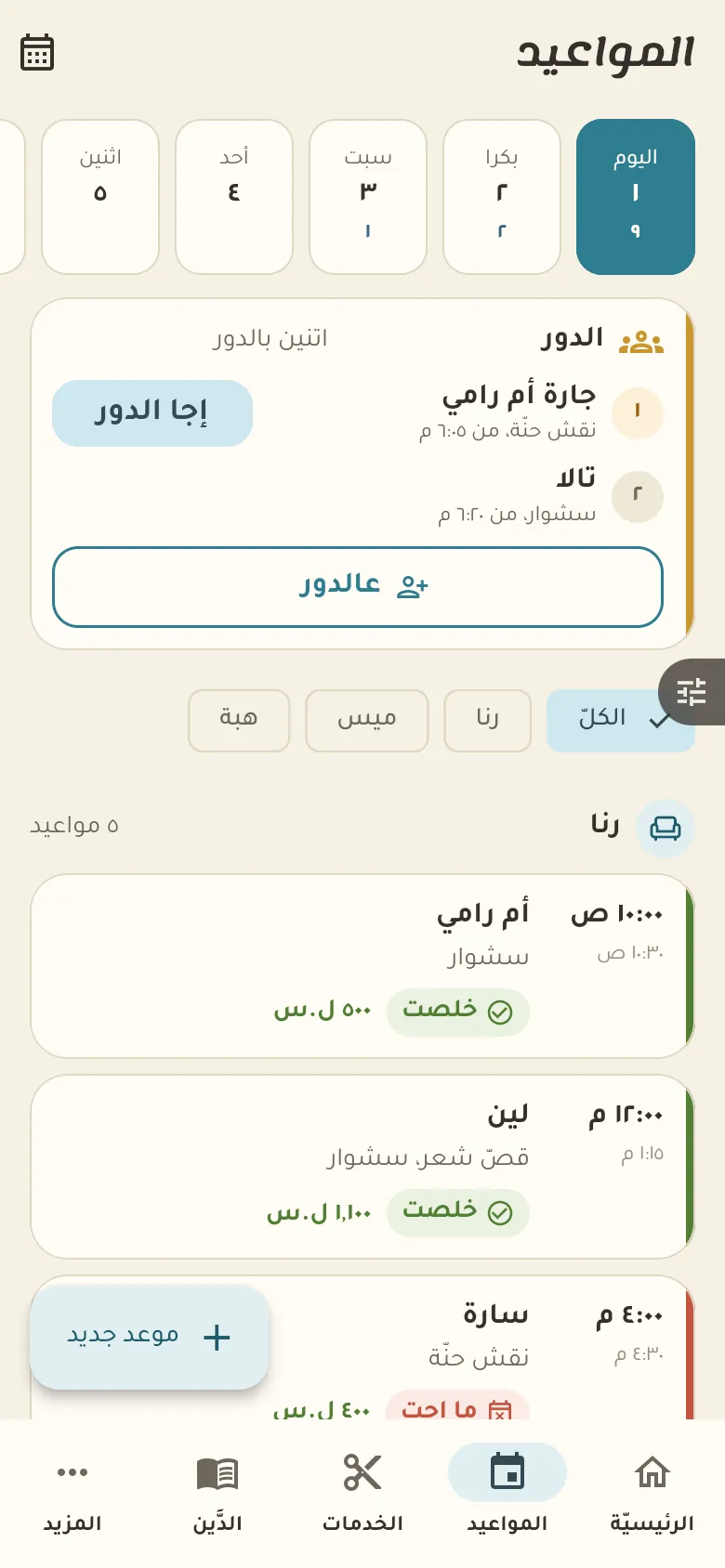
Appointments, and services with price, duration and each staff member's commission.
10 chapters · 5 steps
Pick up where you left off:
Step by step
Press any step (or scroll) and the phone shows its screen.
A screenshot taken automatically from the app
Common questions
How do I book an appointment for a customer?
From «Appointments» tap the right gap, pick the customer, the service and the staff member, then save. The appointment shows in the calendar at once.
What do I do with someone who misses their appointment?
Open the appointment and tap «No-show». It's noted on the customer's file, and if it keeps happening you can ask for a deposit before future bookings.
How do I work out a staff member's commission?
Set the commission rate in the salon settings or on the staff member. When you record a visit the commission is worked out per service and added up on the staff member's statement.
On a computer or in the browserIf your phone is not at hand, open Rafeeq Business in the browser and sign in with the same number: the same cashier and the same steps.