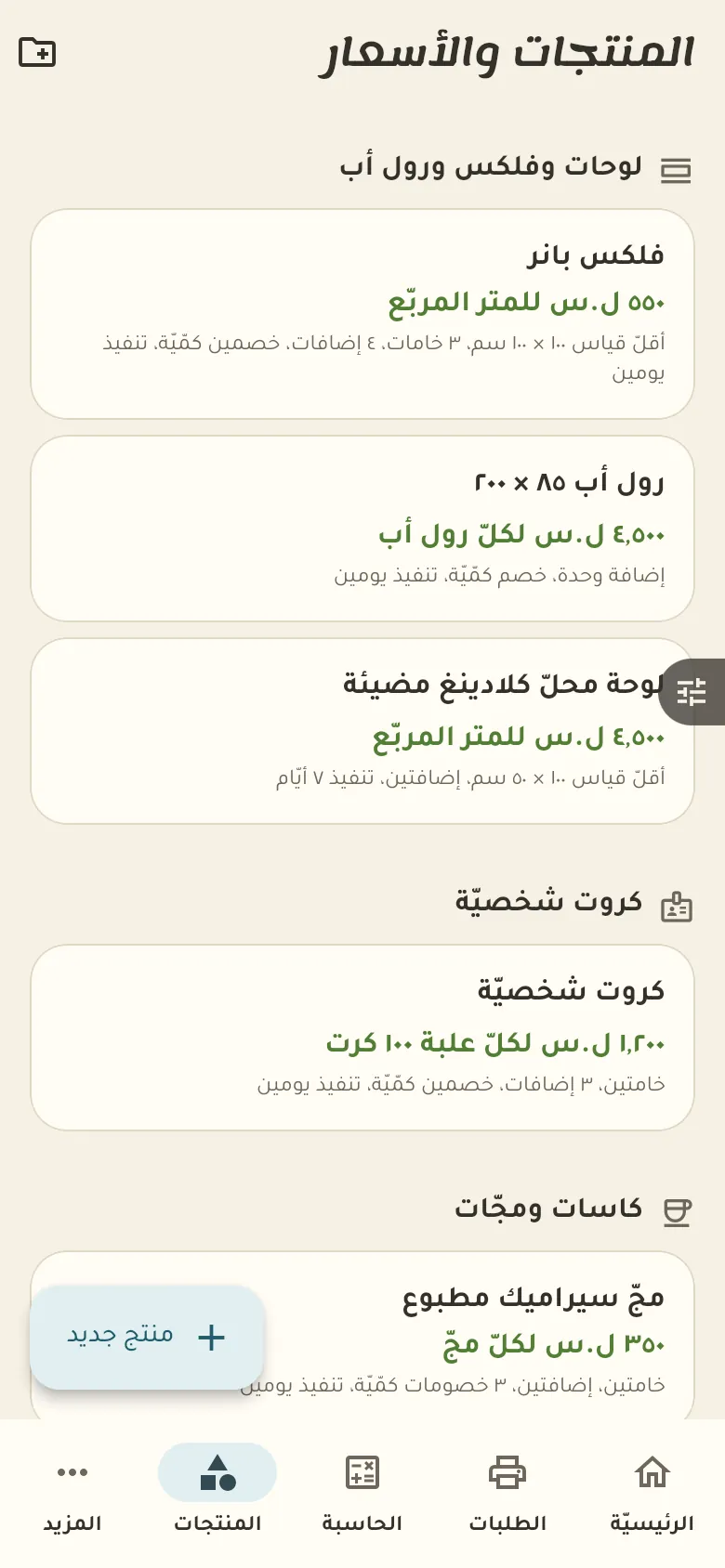
A price calculator by product and quantity, plus order deposits and late orders.
13 chapters · 1 step
Pick up where you left off:
Step by step
Press any step (or scroll) and the phone shows its screen.
A screenshot taken automatically from the app
Common questions
How do I sell with a barcode?
Open «Sell» and point the camera at the item's barcode and it is added to the invoice. Repeat for each item, then tap «Pay».
How do I return an invoice?
Open the invoice from the sales log and tap «Return», then pick the returned items. Stock goes back and the amount is recorded; this needs the permission to cancel sales.
How do I sell on credit?
At payment choose «Credit», then pick the customer or add a new one. The amount goes in their book, and if it passes their limit the sale needs approval.
How do I sell in dollars and lira together?
At payment enter what the customer paid in each currency, and Rafeeq works out the change at the current exchange rate. The change shows up so you can hand it back.
How do I print the invoice?
After payment tap «Print» or «Share». Pair a Bluetooth printer once in Settings, or send the invoice to the customer as an image on WhatsApp.
On a computer or in the browserIf your phone is not at hand, open Rafeeq Business in the browser and sign in with the same number: the same cashier and the same steps.