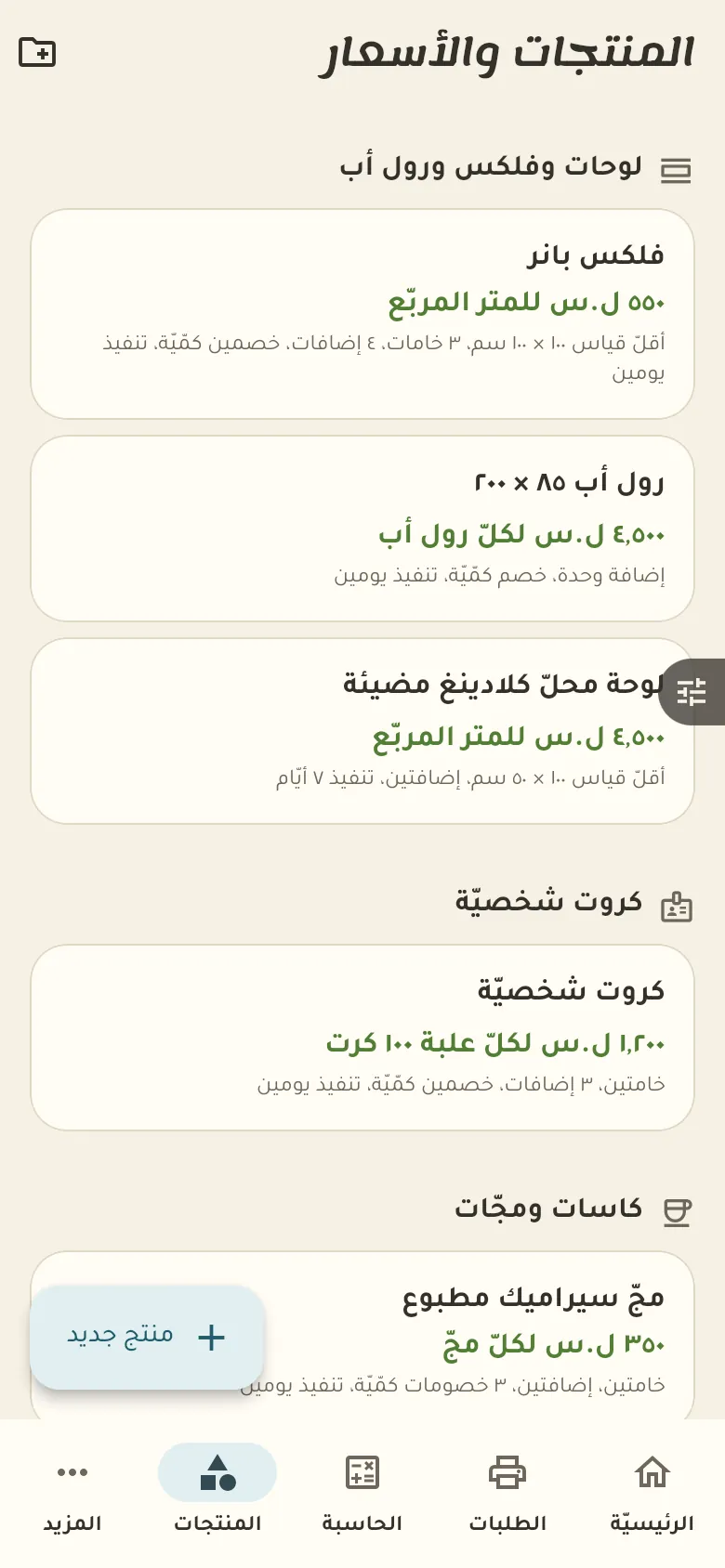
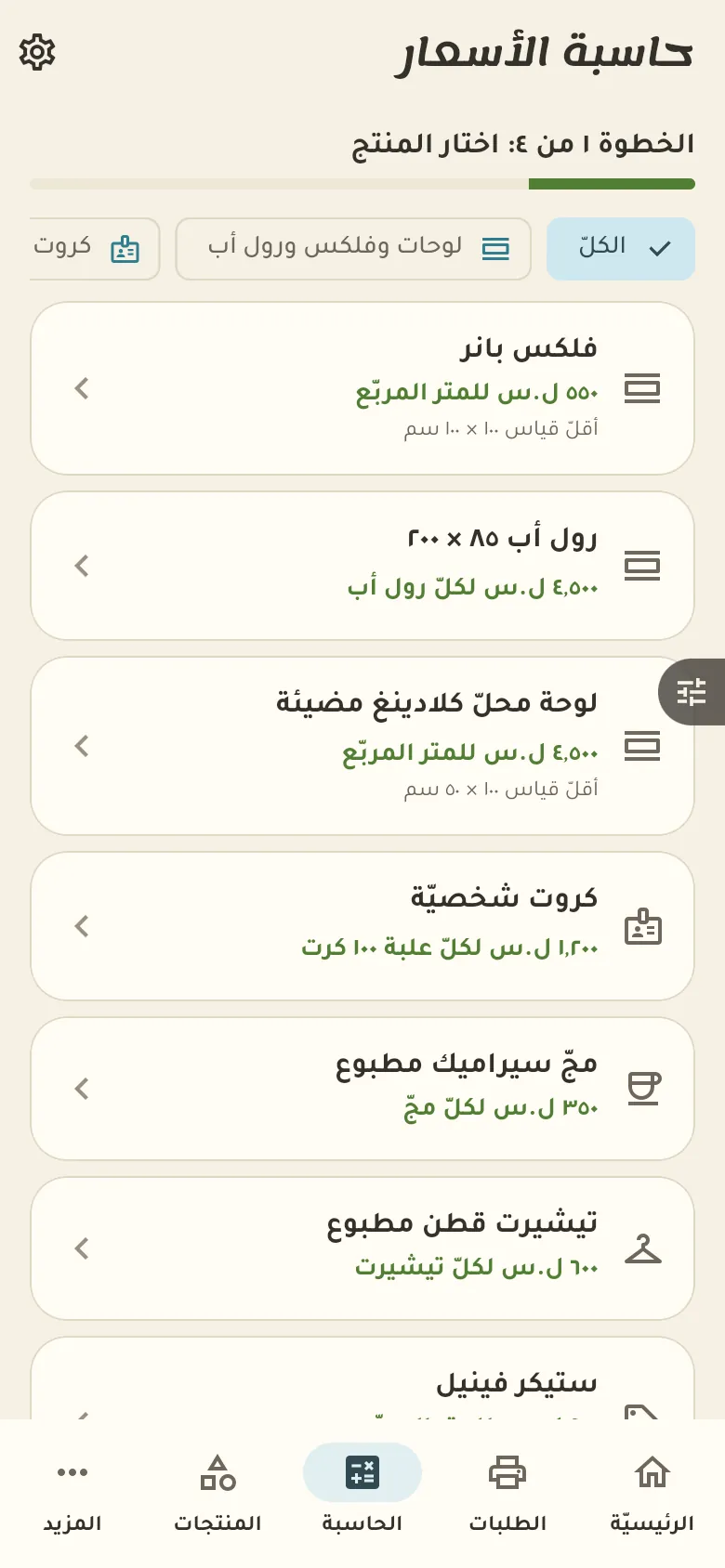
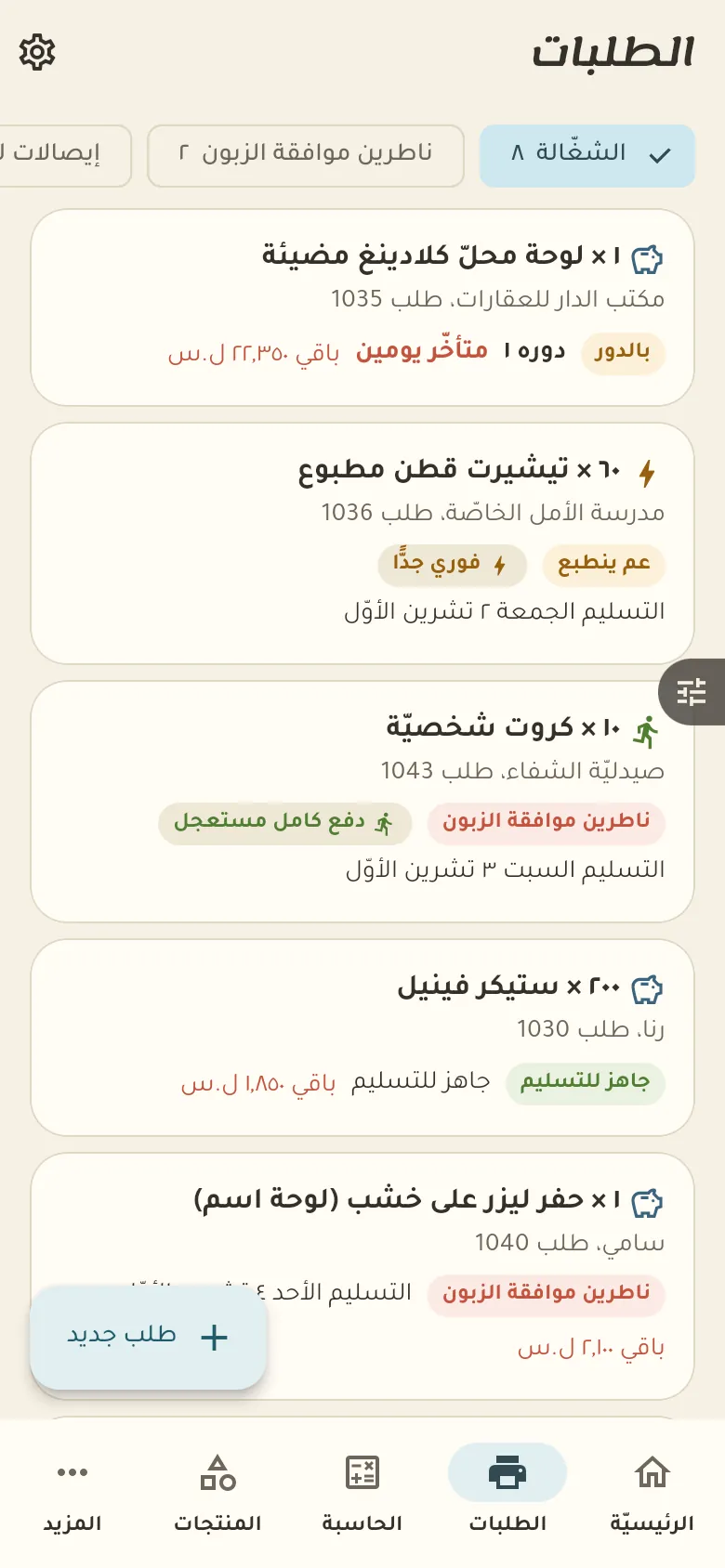
A price calculator by product and quantity, plus order deposits and late orders.
13 chapters · 4 steps
Pick up where you left off:
Step by step
Press any step (or scroll) and the phone shows its screen.
A screenshot taken automatically from the app
Common questions
How do I send the proof to the customer?
In the order add the proof image and tap «Send for approval». The customer gets a link to approve or ask for a change, and printing doesn't start before they approve.
How do I set the deposit percentage?
From «More → Settings» choose a percentage deposit or a full one, and set the percentage. A rush order always takes a full deposit.
How do I upload large design files?
From the order tap «Attach file» and choose the file; it uploads in small pieces even when large, and continues from where it stopped if the internet drops.
On a computer or in the browserIf your phone is not at hand, open Rafeeq Business in the browser and sign in with the same number: the same cashier and the same steps.