A fast checkout, stock that warns you before it runs out, and your real profit without manual sums.
10 chapters · 5 steps
Pick up where you left off:
Step by step
Press any step (or scroll) and the phone shows its screen.
A screenshot taken automatically from the app
Common questions
How do I add items quickly?
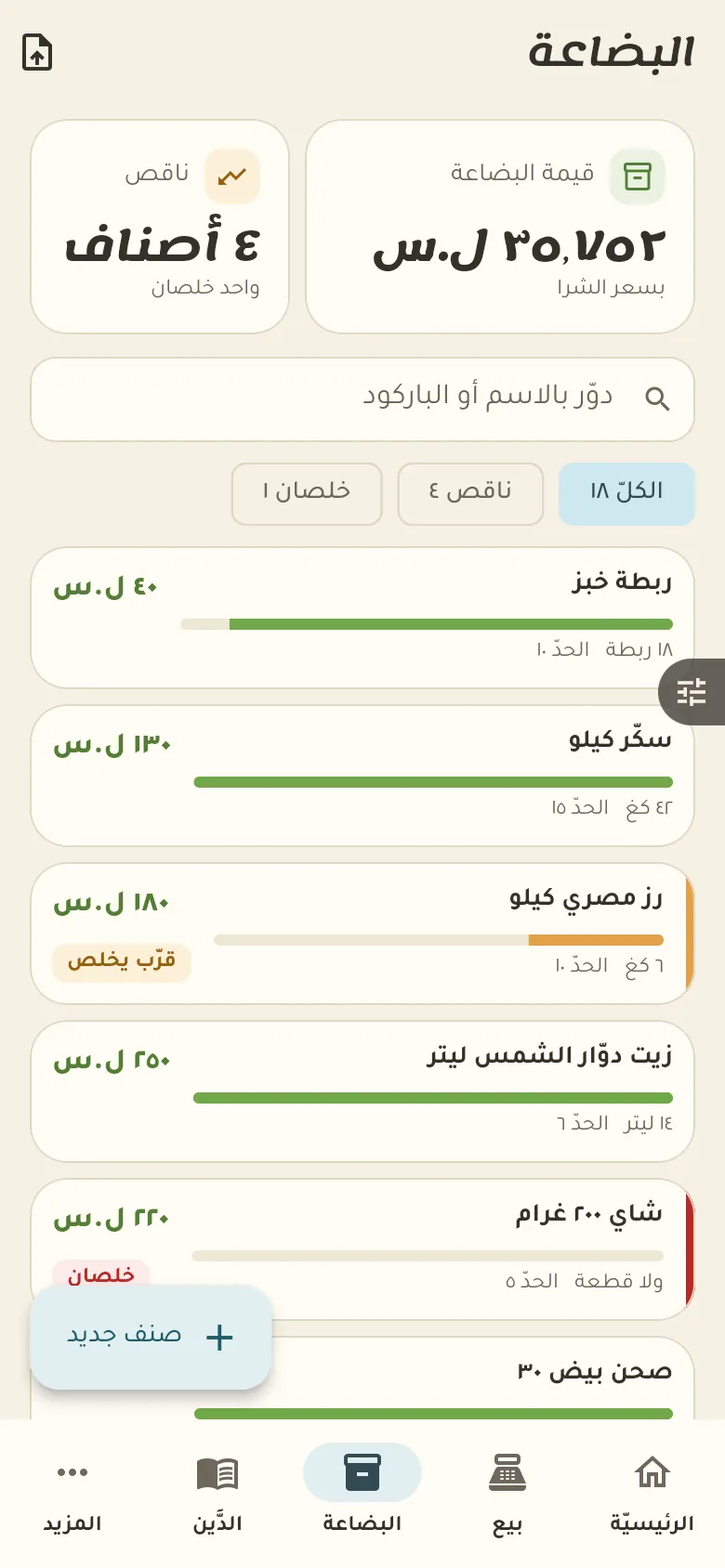
Tap «New item» and point the camera at the barcode and the name fills in if it's known, or just say the item aloud. You can also import a ready list from «More».
How do I sell by weight?
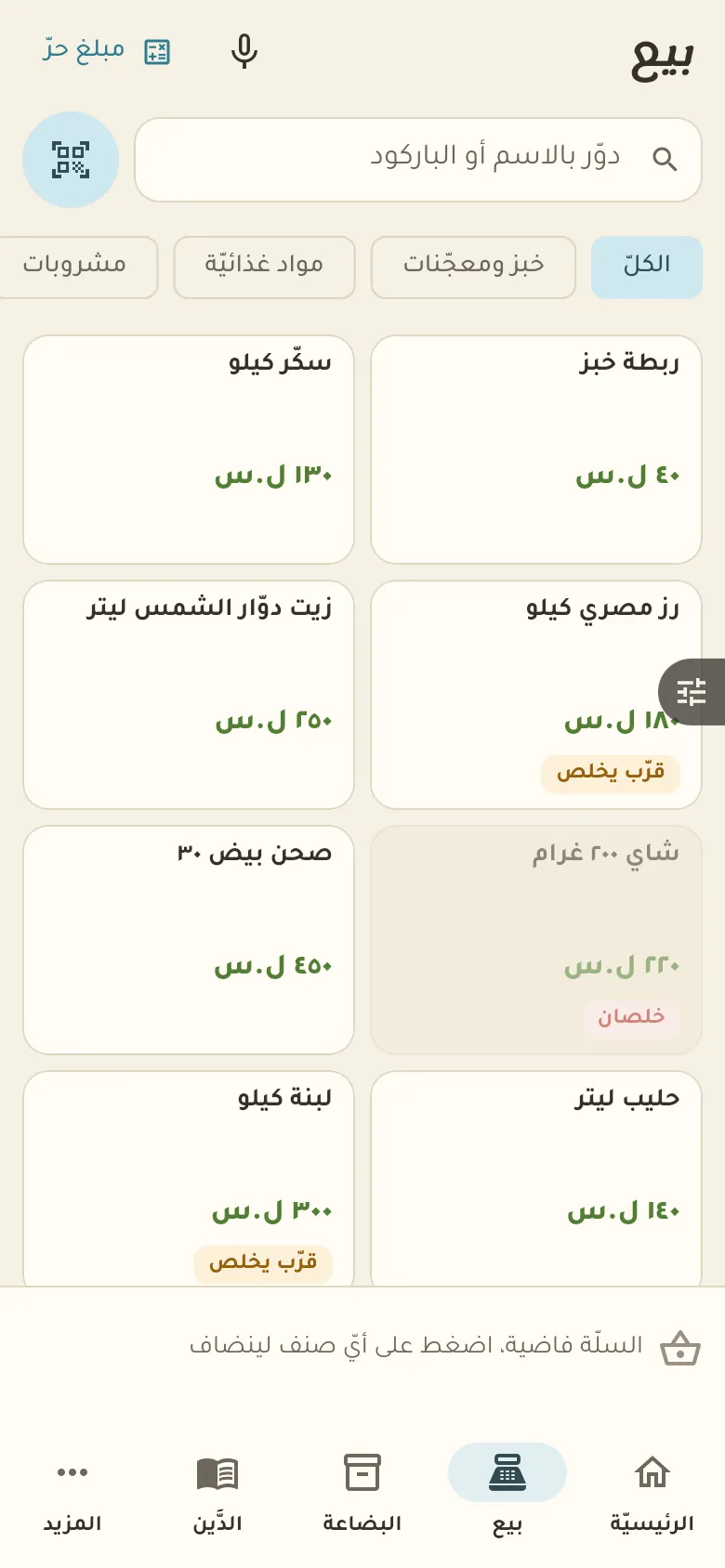
Set the item's unit to «kg» when you add it, then in Sell type the weight instead of a count and the price is worked out from it. Fractions like half a kilo are fine.
How do I know what's running low?
Set an «alert level» for each item when you add it. Whenever stock drops below it, the item appears under «Shortages» and on the home screen.
On a computer or in the browserIf your phone is not at hand, open Rafeeq Business in the browser and sign in with the same number: the same cashier and the same steps.