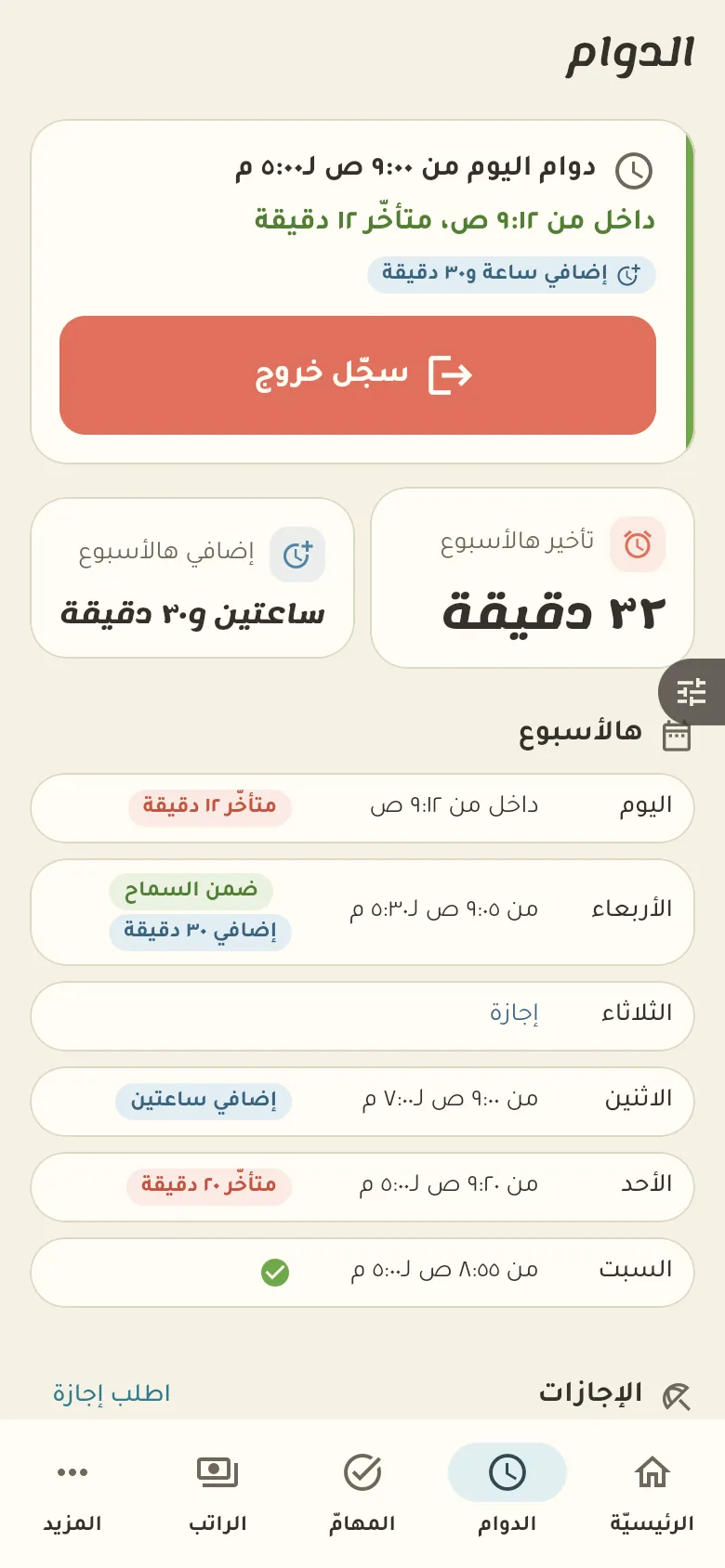
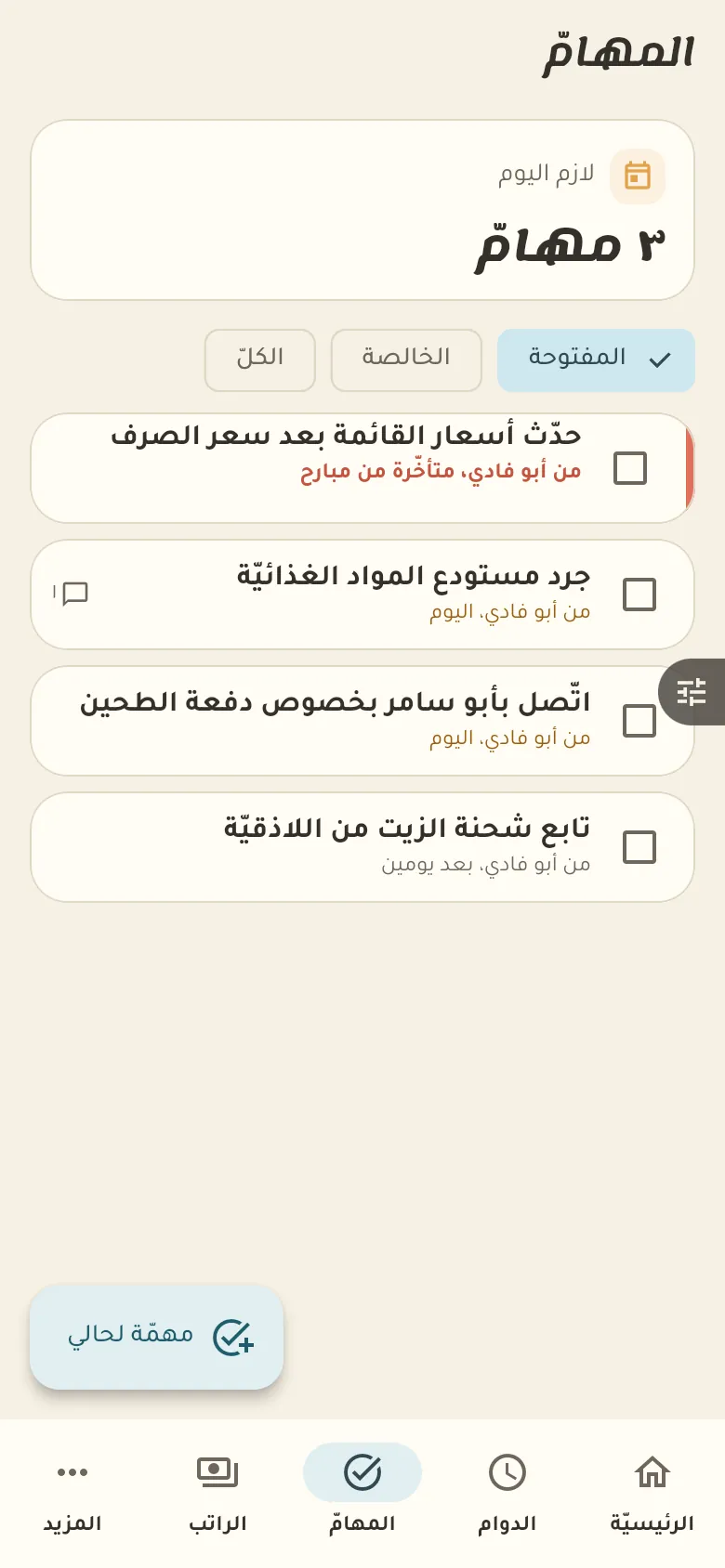
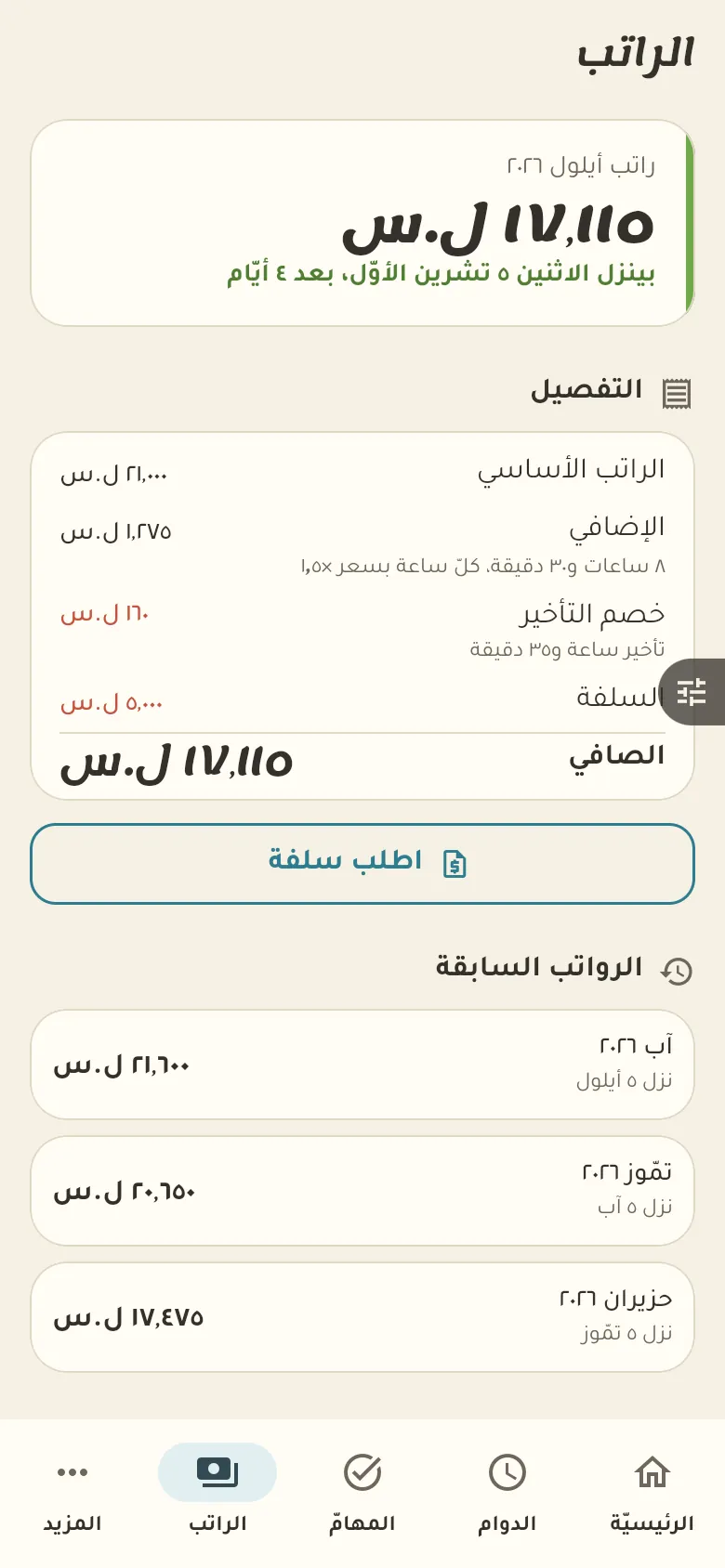
Check in and out, weekly hours, lateness, overtime and salary.
9 chapters · 4 steps
Pick up where you left off:
Step by step
Press any step (or scroll) and the phone shows its screen.
A screenshot taken automatically from the app
Common questions
How do I request leave or an advance?
From the attendance screen tap «Request leave», and from the salary screen «Request advance», then write the details. The request goes to your employer, who replies, and you get the result.
How do I link my account to my employer?
Ask your employer for the invitation link or code and open it in the app. Once you accept, your shifts, tasks and pay show up according to what they grant you.
How are lateness and overtime calculated?
Rafeeq compares your arrival and departure times to your set schedule, with a grace period in minutes that your employer sets. Anything over the schedule counts as overtime at the rate they chose.
On a computer or in the browserIf your phone is not at hand, open Rafeeq Business in the browser and sign in with the same number: the same cashier and the same steps.